Most hiring processes are not slowed by one long interview. They are slowed by a chain of smaller waits: applications sit unread, candidates wait for a screen, calendars take days to align, and completed interviews wait again for feedback. The best AI tools to reduce time-to-hire remove one of those waits. They do not make every hiring decision for you, and they do not fix an unclear role or an unresponsive hiring manager.
This guide compares eight AI recruiting tools across sourcing, screening, scheduling, interview notes, and workflow automation. You will see where each tool fits, what delay it can remove, its tradeoffs, and the teams it suits.
The best AI recruiting tools at a glance
Every tool below targets a different point in the hiring pipeline. Use this table to find your starting point before reading the full comparisons.
| Tool | Best for | Main delay it addresses | Pricing visibility |
|---|---|---|---|
| InterviewFlowAI | High-volume first-round screening | Recruiter phone screens, interview scheduling, manual scorecards | Public plans |
| GoodTime | Complex interview scheduling | Calendar coordination, panels, rescheduling | Quote required |
| Paradox | Frontline and high-volume candidate engagement | Candidate questions, screening, scheduling | Quote required |
| HireVue | Enterprise assessments and video interviewing | Early assessment and interview coordination | Quote required |
| Metaview | Recruiter-led interview notes | Note-writing and delayed feedback | Free entry plan; paid plans available |
| hireEZ | Sourcing and outbound recruiting | Candidate research, rediscovery, outreach | Quote required |
| Eightfold AI | Enterprise talent intelligence | Finding external, former, and internal candidates | Quote required |
| Zapier | Connecting a fragmented recruiting stack | Manual data entry and stage handoffs | Public plans |
There is no universal winner. InterviewFlowAI is the strongest fit when repetitive first-round screens are the bottleneck. GoodTime is a better purchase when panel scheduling is the delay. hireEZ or Eightfold makes more sense when qualified candidates are not entering the pipeline quickly enough.
How we evaluated the tools
We reviewed public product pages and pricing information available on August 26, 2026. The selection criteria were:
the hiring stage the product can shorten;
how much manual work it replaces rather than moves elsewhere;
whether recruiters can review the evidence behind an output;
ATS, calendar, and communication fit;
candidate accessibility and routes to human support;
time to implement and pricing clarity.
Vendor case studies and performance claims are treated as vendor-reported evidence. Your result depends on application volume, role type, current process, configuration, and reviewer response time.
Measure the delay before buying a tool
Time-to-hire usually measures the calendar days between a candidate entering your pipeline and accepting an offer:
Time-to-hire = offer acceptance date minus candidate entry date
Time-to-fill starts earlier, usually when the requisition is approved or opened. A sourcing problem can lengthen time-to-fill while the candidates who do apply still move quickly. A screening or feedback problem lengthens time-to-hire after candidates are already in the funnel.
Track the median wait between these events:
application received to first review;
review to screening invitation;
invitation to completed screen;
completed screen to hiring-manager review;
interview to submitted feedback;
final interview to decision;
offer to acceptance.
The longest avoidable wait tells you which category to buy. Use the free time-to-hire calculator to establish a baseline before speaking to vendors.
8 best AI tools to reduce time-to-hire in 2026
1. InterviewFlowAI: best for high-volume first-round screening
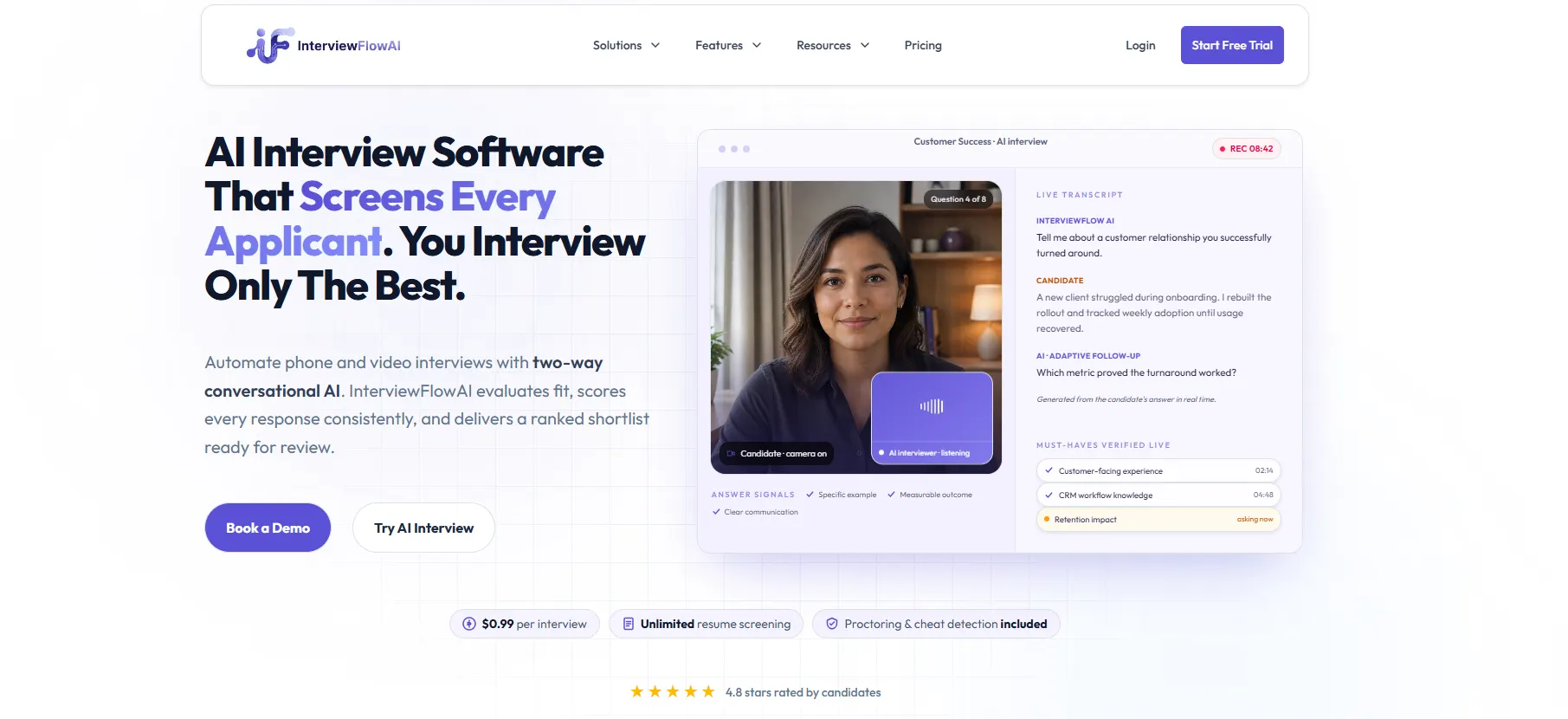
InterviewFlowAI conducts structured, two-way phone and video interviews, scores responses against role-specific criteria, and gives recruiters transcripts, scorecards, and a ranked shortlist. Candidates complete the first round without waiting for a recruiter calendar slot.
This is useful when recruiters repeatedly ask the same qualification, experience, or role-fit questions across dozens of candidates. It removes live phone-screen capacity from the critical path while keeping a human responsible for advancement decisions.
InterviewFlowAI's first-party benchmark covers more than 100,000 completed AI interviews across 100+ businesses. An average job has 70 invitations, 70% to 85% complete within four days, and completed interviews average about 13 minutes. That works out to roughly 10.5 to 13 hours of structured screening activity per job. It is a capacity estimate, not a promise that every recruiter saves the same number of hours. Read the methodology and AI recruitment statistics.
Plans usually charge $0.99/interview; feel free to check the current InterviewFlowAI pricing.
2. GoodTime: best for complex interview scheduling
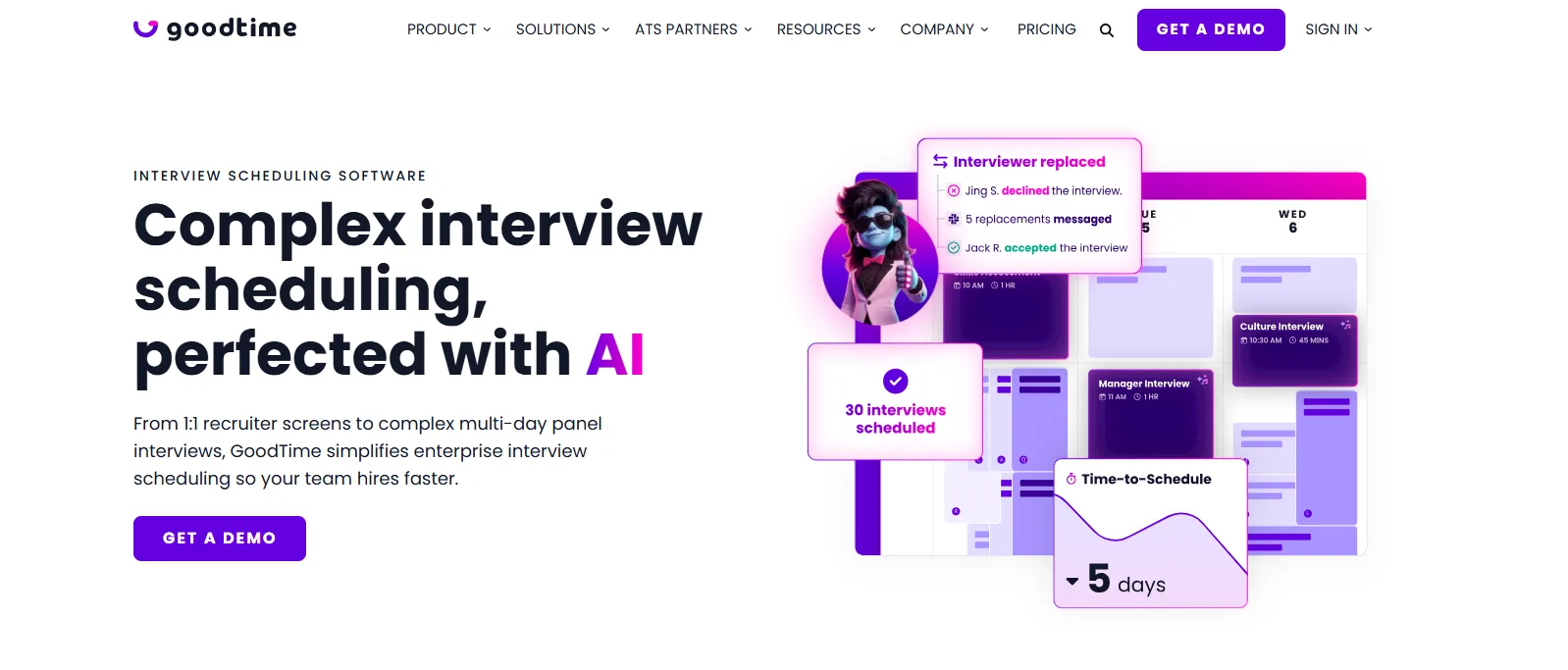
GoodTime Hire is built for interview coordination, including one-to-one interviews, multi-day panels, interviewer selection, messaging, reminders, and rescheduling. Its value becomes clearer as the number of interviewers, time zones, and scheduling rules grows.
GoodTime says its platform can automate up to 90% of interview-management tasks. In a vendor case study, Glovo reported a 73% improvement in time-to-schedule and a 20% to 25% reduction in overall time-to-hire. Those results are useful as a reference point, but a team with simple recruiter screens will not have the same scheduling burden.
Choose GoodTime when candidates are qualified, but calendar coordination adds days. It will not solve weak sourcing, unclear evaluation criteria, or slow feedback after the interview. Pricing is demo-led.
3. Paradox: best for high-volume candidate engagement and scheduling
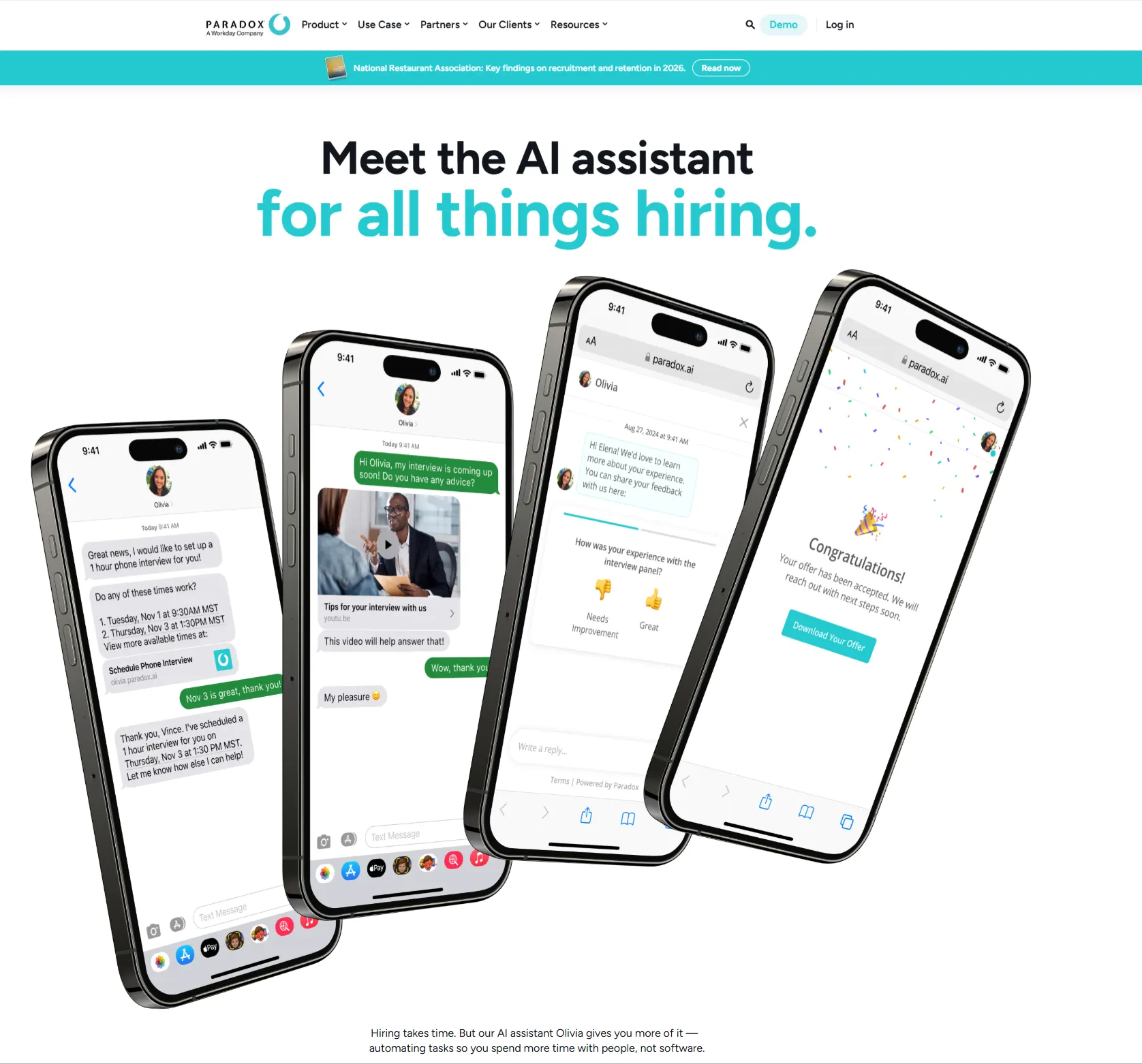
Paradox uses its conversational assistant, Olivia, to answer candidate questions, screen applicants, and schedule interviews through two-way messaging. It is designed for employers that process large volumes of frontline, hourly, retail, hospitality, healthcare, or similar applications.
The product can remove the gap between a candidate expressing interest and booking the next step. Paradox's scheduling product handles availability and coordination inside the conversation rather than sending the candidate into a separate email chain.
This is a stronger fit for enterprise and high-volume hiring than for a small team that only needs a booking link. Ask how the system hands edge cases to a recruiter, how candidates request accommodations, and how conversation data returns to the ATS. Pricing is available by quote.
4. HireVue: best for enterprise assessments and video interviewing
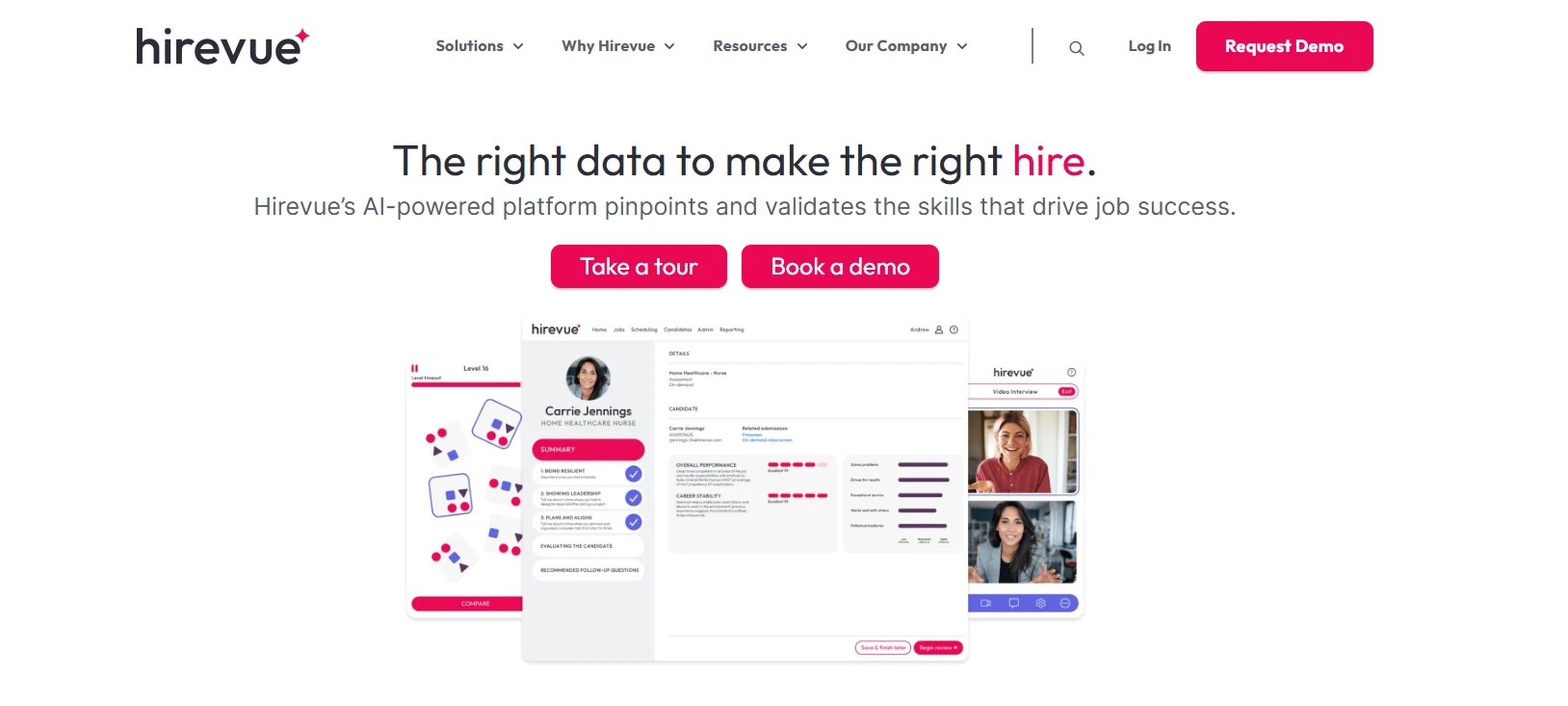
HireVue combines on-demand and live video interviews, assessments, interview guides, scorecards, candidate engagement, automated routing, and scheduling. It suits enterprise teams that want several early-stage assessment methods under one vendor.
HireVue can shorten the wait for a first assessment because candidates complete on-demand interviews or tests on their own schedule. Shared guides and rating scales can also make evidence easier for hiring managers to review.
The tradeoff is scope. A broad enterprise platform can take longer to evaluate, procure, and implement than a focused screening tool. Buyers should confirm which modules are included, how scoring works for their roles, what candidate data is retained, and which ATS workflows are supported. HireVue does not publish standard pricing. Use the detailed HireVue pricing guide before requesting a quote.
5. Metaview: best for faster interview notes and feedback
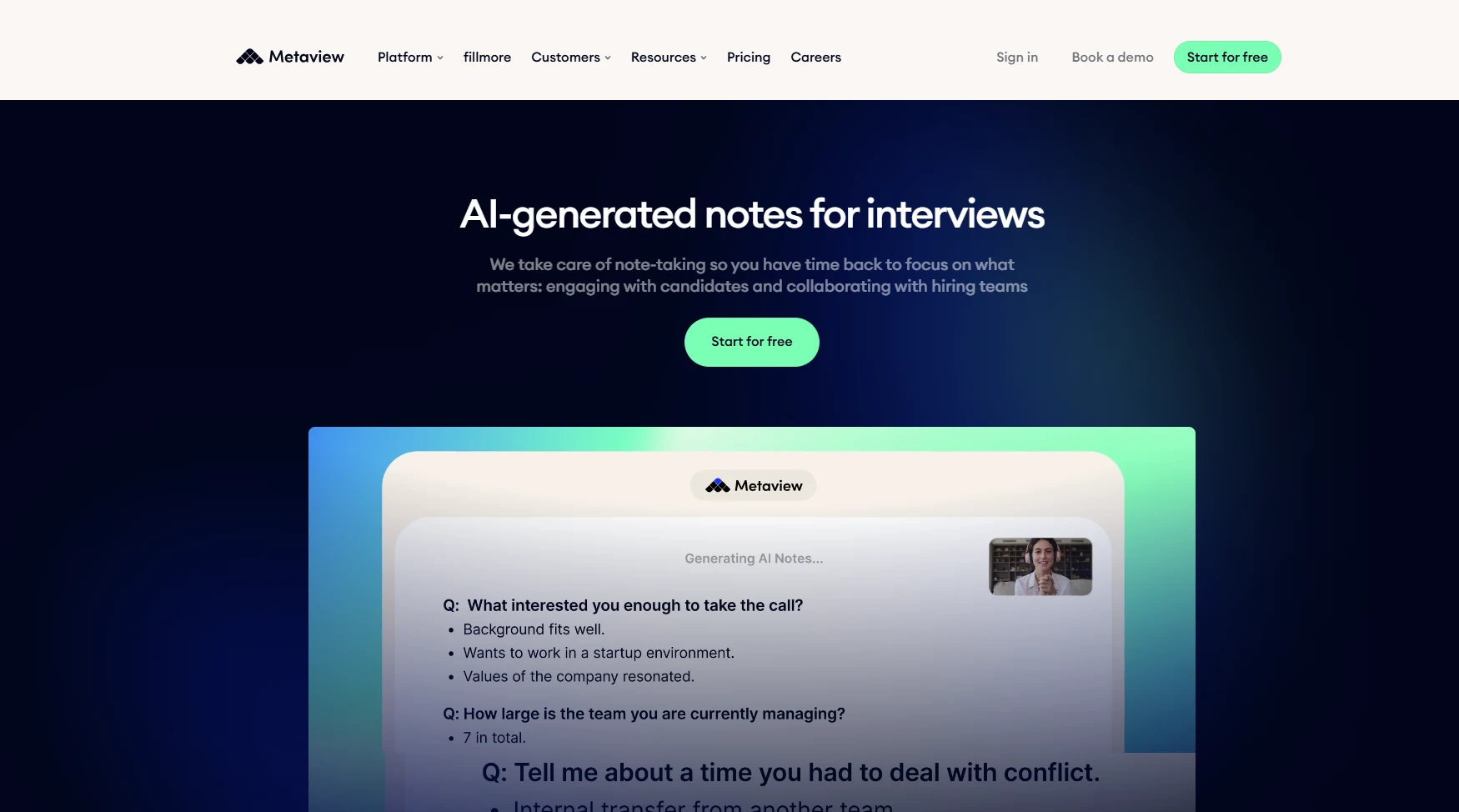
Metaview records recruiter-led interviews and turns the conversation into structured notes and summaries. Recruiters still conduct the call, but they do not need to split attention between the candidate and a blank scorecard.
This matters when completed interviews wait for someone to clean up notes and send feedback. A detailed, review-ready summary can reach the hiring manager sooner, while the recruiter checks the transcript and corrects errors before relying on it.
Metaview will not remove the interview itself or solve scheduling. It is most useful when interviews already happen on time, but documentation slows the next decision. The company offers a free entry option and paid team plans. Confirm consent, recording notice, retention, and ATS sync before rollout.
6. hireEZ: best for sourcing and outbound recruiting
hireEZ automates candidate research, sourcing, screening, outreach, and scheduling on top of an existing ATS. Its EZ Agent is aimed at recruiters who lose time searching the open web, rediscovering past applicants, and managing outbound sequences.
Choose hireEZ when the funnel starts slowly because recruiters cannot find or engage enough qualified candidates. The tool can help build the shortlist earlier, but it will not fix a seven-day hiring-manager review queue after candidates enter the process.
The platform is demo-led, so model the cost against sourcing hours, qualified replies, and candidates advanced rather than raw profiles found. Review how it deduplicates ATS records, handles contact data, and keeps outreach within your team's consent and communication rules.
7. Eightfold AI: best for enterprise talent rediscovery
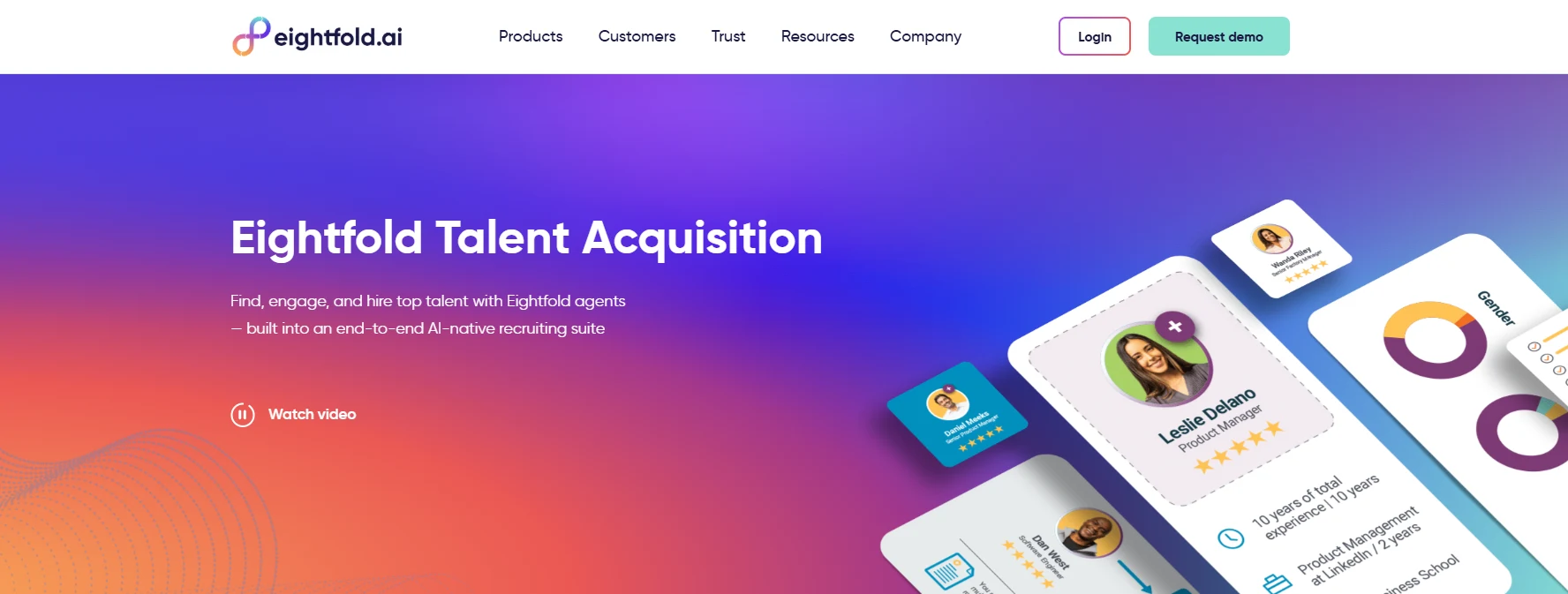
Eightfold Talent Acquisition uses talent intelligence to match external candidates, former applicants, employees, and other known talent to open opportunities. It is most relevant when a large organization already has a deep candidate or employee dataset, but recruiters still begin every search from scratch.
Rediscovery can shorten the sourcing stage by surfacing people who have already interacted with the company. It can also support internal mobility, which changes the available talent pool before external sourcing begins.
Eightfold is an enterprise platform rather than a lightweight point solution. The business case depends on data quality, integration, governance, and adoption across recruiting and HR. Ask for a pilot using known historical roles so you can compare surfaced candidates with the people recruiters found manually. Pricing is available through sales.
8. Zapier: best for removing manual handoffs
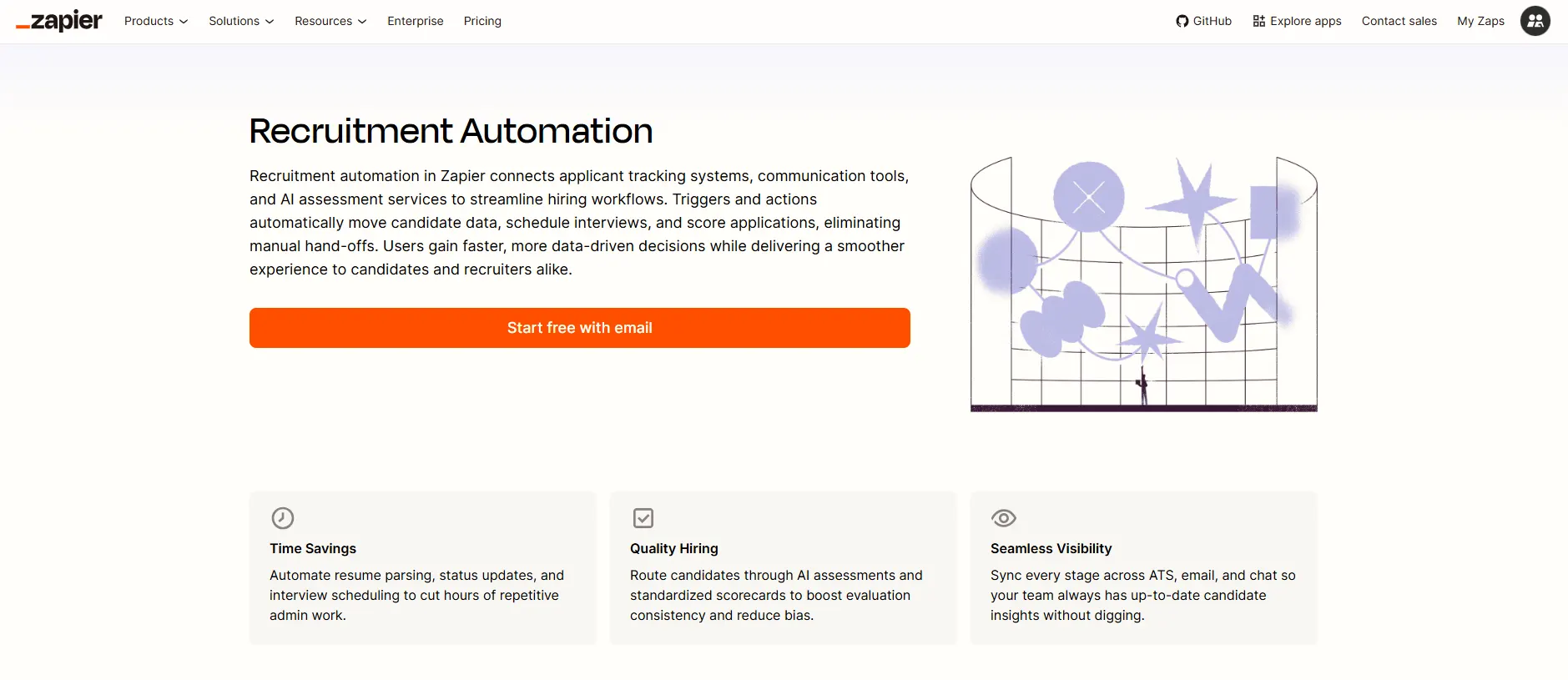
Zapier's recruitment automation connects application forms, ATS platforms, calendars, email, spreadsheets, messaging tools, and assessment services. It can move a candidate to the next step, send an invitation, alert a reviewer, or write results back without manual copying.
Zapier is the right choice when the tools already work, but the handoffs between them do not. For example, a completed screen can trigger an ATS update and notify the hiring manager immediately. That removes waiting without replacing the ATS or assessment platform.
Automations still need ownership. Teams should log failures, prevent duplicate records, protect sensitive data, and test what happens when an email address or candidate ID does not match. The InterviewFlowAI and Zapier workflow guide covers a practical implementation. For a broader category review, see the recruitment automation software guide.
Which AI tool should you choose?
Start with the delay, not the product demo.
| If this is the bottleneck | Start by evaluating | Measure this result |
|---|---|---|
| Applications wait for review | AI resume screening or structured screening | Application-to-review time |
| Recruiters cannot run enough first screens | InterviewFlowAI or HireVue | Invitation-to-scorecard time and recruiter minutes per screen |
| Candidates wait for interview slots | GoodTime or Paradox | Time-to-schedule and reschedule rate |
| Interview feedback arrives late | Metaview | Interview-to-feedback time |
| Qualified candidates are hard to find | hireEZ or Eightfold | Time to first qualified shortlist |
| Data is copied between tools | Zapier | Handoff latency and successful sync rate |
A tool is a weak investment when it saves five minutes for the recruiter but adds a new dashboard, manual export, or review queue elsewhere. Ask every vendor to show the complete handoff into and out of its product.
How to run a 30-day pilot
Pick one role with enough volume to expose the current delay. Do not launch across every open requisition at once.
Week 1: record the baseline
Measure the median wait between stages, recruiter minutes per candidate, completion or response rate, withdrawals, and time to hiring-manager review. Define where time-to-hire starts and ends.
Week 2: configure the workflow
Agree on job-related criteria, candidate messages, ownership, escalation, accommodations, and the next human step. If the pilot includes interviews, build a consistent script with the free interview question generator.
Week 3: run the pilot
Use one role or a comparable role group. Review outputs daily during the first week so errors do not compound. Track candidates who need another route.
Week 4: compare outcomes
Compare the pilot with the baseline on the same stages:
median stage time;
recruiter minutes per candidate;
completion or response rate;
candidate withdrawal rate;
time to human review;
stage conversion;
offer acceptance;
selection rates by relevant group where legally and operationally appropriate.
Do not expand the tool because one dashboard says the process is faster. Expand it when the team can explain what work disappeared, how candidate experience changed, and whether the final evidence remained useful.
How to reduce time-to-hire without lowering quality
Faster hiring should mean less waiting, not less evidence. The U.S. Office of Personnel Management describes structured interviews as using the same predetermined questions and rating standards for comparable candidates. That structure makes reviews easier to compare and defend.
Before using AI in selection:
tie every screening criterion to the work;
tell candidates when AI is involved and what happens next;
provide an accommodation and human-support route;
let recruiters review the evidence behind scores;
monitor completion, withdrawals, and selection outcomes;
set retention and deletion rules for candidate data;
keep people accountable for advancement and rejection decisions.
The EEOC's AI and ADA resources explain how disability law applies when employers use software, algorithms, and artificial intelligence to assess applicants and employees. In New York City, covered automated employment decision tools may require a recent bias audit, published audit information, and notices under Local Law 144. Requirements vary by location and use case, so legal review should be part of deployment rather than an afterthought.
This is general hiring guidance, not legal advice. Employment rules differ by country, state, and role. Have local counsel review your process before rolling out an AI tool widely.
Choose the tool that removes your longest delay
A faster hiring process is not one dashboard away. It comes from removing the specific wait that is costing you candidates and recruiter hours, then measuring whether the fix actually worked.
Record your baseline, pick the tool that matches your longest measured delay, and run a 30-day pilot before you commit to a wider rollout.
Frequently asked questions
What is the best AI tool to reduce time-to-hire?
The best tool is the one that removes your longest measured delay. InterviewFlowAI is a strong fit for repetitive first-round screening, GoodTime for complex scheduling, Metaview for interview notes, hireEZ for outbound sourcing, and Zapier for manual handoffs between systems.
Can AI reduce time-to-hire by 50%?
AI can cut a specific stage by 50% or more when that stage contains substantial manual waiting. That does not mean every team will cut total time-to-hire in half. Record a role-level baseline, pilot one workflow, and compare the same start and end points.
Which recruiting stage should be automated first?
Automate the longest repetitive wait that does not require human judgment. Common starting points are application triage, first-round screening, interview scheduling, reminders, and interview-note handoff.
Do AI recruiting tools replace an ATS?
Usually not. The ATS remains the system of record. Most AI recruiting tools specialize in sourcing, screening, scheduling, notes, or workflow automation and send data back to the ATS. Confirm bidirectional integration before buying.
What is the difference between time-to-hire and time-to-fill?
Time-to-hire measures the time from a candidate entering the pipeline to accepting an offer. Time-to-fill starts when the requisition is opened or approved and ends when the role is filled. Use consistent start and end events so the metric remains comparable.
How do AI recruiting tools protect hiring quality?
The tool should use job-related criteria, preserve the evidence behind its output, apply a consistent process to comparable candidates, and leave advancement decisions with accountable people. Speed alone is not proof of quality.
Are AI hiring tools legal?
They can be used lawfully, but obligations depend on the tool, location, and role it plays in a decision. Employers remain responsible for discrimination, accessibility, notice, privacy, and recordkeeping requirements. Seek legal advice for the jurisdictions in which you hire.