Your first-round interview may now be with AI instead of a recruiter. In Greenhouse's May 2026 candidate survey (2,950 job seekers in five countries), 63% of US respondents said they had already faced an AI interview, up 13 points in six months.
Much of the online advice about AI interviews is out of date. It tells candidates to fake eye contact and repeat keywords because an algorithm is supposedly reading their face. Most current AI interviewers do not work that way. This guide gives you AI interview tips based on how the technology actually scores answers in 2026: what is evaluated, how to prepare in the week before, how to pass one-way video and HireVue-style interviews, which prep tools help, and which rights you have as a candidate.
Quick answer: To prepare for an AI interview, find out the format first (one-way video, conversational voice, or chat). Then match the job description to 5–6 real stories in STAR format and practice answering out loud, including follow-up questions. Test your microphone and connection the day before. During the interview, answer the question asked, give specific results, and ask for an accommodation if you need one. Most AI interviewers score what you say, not how you look.

Key takeaways
- Content beats performance. Modern AI interviewers turn your answers into a transcript and score it against a job-related rubric. Specific, structured examples matter more than lighting or "virtual eye contact."
- Expect follow-up questions. Conversational AI interviewers probe for detail, so a memorized script tends to fall apart. Prepare stories, not answers.
- A human usually makes the decision. On most platforms the AI produces a scorecard and a recruiter decides who moves forward.
- You have rights. Depending on where you live, you may be entitled to notice, an explanation of what is assessed, a reasonable accommodation, or deletion of your recording.
- Practice is the biggest lever. One or two out-loud runs with a free AI interview practice tool show you where you ramble or skip the result.
What is an AI interview?
An AI interview is a job interview in which software, not a person, asks the questions, records or transcribes your answers, and scores them against the role's requirements for a human recruiter to review. It usually replaces the first recruiter phone screen, not the final round. For a fuller explanation, read how AI interview software works.
The format changes how you should prepare, so check your invitation for which of these three you will face:
| Format | What happens | How to prepare differently |
|---|---|---|
| One-way video | Pre-recorded questions appear on screen. You get a short thinking period and a timed recording window, sometimes with one retake. | Practice fitting complete STAR answers into 60–120 seconds. Learn the retake rules before you start. |
| Conversational AI (voice or video) | A live, two-way conversation. The AI listens to your answer and asks follow-up questions based on what you said. | Prepare to go deeper on every example: the trade-offs, your specific role, and what you would do differently. |
| AI phone screen | The same kind of conversation, held over a phone call or a browser voice link, with no camera. | Find a quiet room and use a wired headset if possible. Clarity of speech replaces body language. |
| Chat or text | Typed questions, often about eligibility, availability, or knowledge checks. | Answer in complete sentences and proofread. Pasting generated answers may be flagged. |
The difference between the first two formats matters most. See one-way video vs conversational AI interviews and how AI phone interviews work for a closer look at each.
What AI interviewers actually evaluate (and what they don't)
Many popular tips are based on how AI hiring tools worked around 2019. Here is what has changed.
| Common belief | What is actually true in 2026 |
|---|---|
| "The AI reads your facial expressions." | HireVue removed facial analysis from its assessments in January 2021, saying visual analysis no longer added meaningful value. In the EU, AI systems that infer emotions in the workplace have been prohibited under the AI Act since February 2, 2025. |
| "You must stare at the lens to score well." | Looking at the camera helps the human recruiter who may watch your recording later. It is not what the AI scores your answers on. Glancing away while you think is normal, but some platforms with integrity checks turned on note how much of each answer you spend facing the screen, so come back to it. |
| "Repeat exact keywords from the job description." | Language models assess meaning, not exact matches. Using the employer's terms helps, but only when you attach them to real evidence. A list of buzzwords with no example scores poorly. |
| "The AI decides whether you get hired." | On most platforms, the AI produces a transcript and a scorecard, and a recruiter decides who advances. Some laws require that candidates be told when AI is used. |
| "A drop in vocal energy is flagged as disengagement." | There is no public evidence that mainstream interview platforms score tone of voice this way. Energy still matters, but because steady pacing produces clearer and more complete answers. |
HireVue, one of the largest vendors, describes its process as transcribing answers and analyzing them against each competency the employer wants to assess. Conversational platforms work similarly. InterviewFlowAI, for example, scores each answer against role-specific criteria and gives the recruiter a scorecard and transcript to review. In practice, the AI usually looks for:
- Relevance: did you answer the question that was asked?
- Specificity: a real situation, your own actions, and concrete detail.
- Evidence of the competency: for example, how you handled a conflict, ran a project, or debugged a problem.
- Outcomes: what changed because of what you did, measured where possible.
- Consistency: whether your answers hold together across related questions and follow-ups.
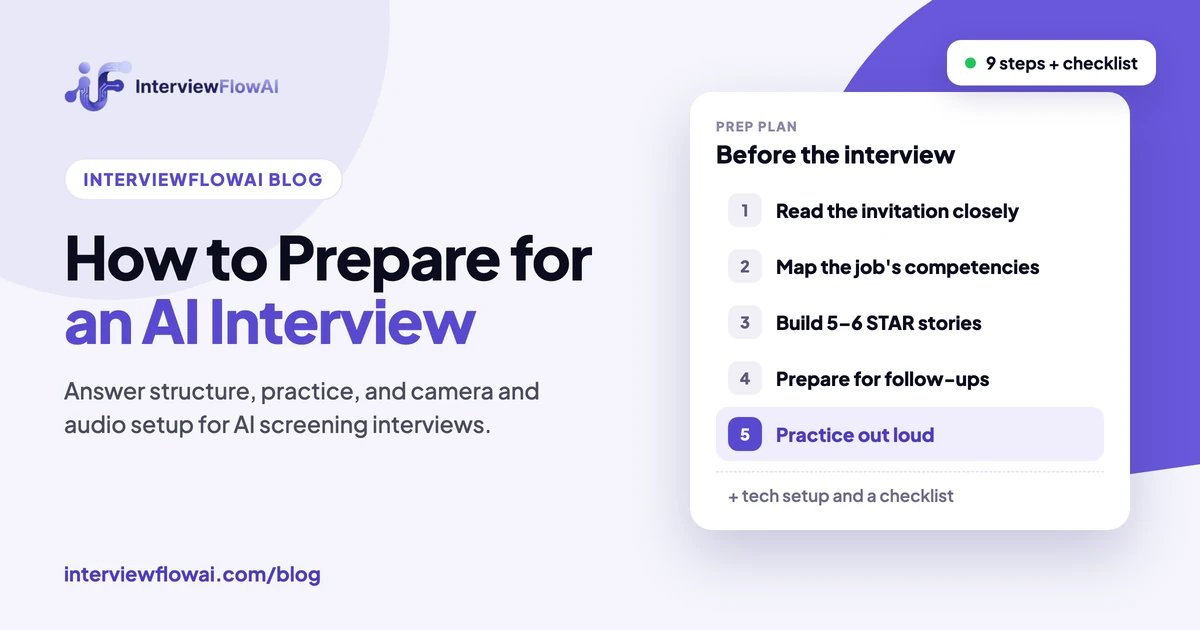
How to prepare for an AI interview (and pass it): 9 steps
1. Read the invitation closely
Your invitation often says more about the interview than the job post does. Look for the format, expected length, number of questions, whether you can retake answers, the deadline, and whether a camera is required. InterviewFlowAI's platform data shows completed first-round AI interviews average about 13 minutes, but this varies by employer. If something is unclear or you need an accommodation, email the recruiter before you start.
2. Turn the job description into a competency map
AI interviewers are configured from the role's requirements, so the job description is your best guide to what will be scored. Highlight 5–7 skills or responsibilities that appear more than once or are listed first. For each one, write down the question you would ask if you were the interviewer. A customer success role, for example, might map to de-escalation, product knowledge, prioritization, and retention results.
3. Build 5–6 STAR stories that cover the map
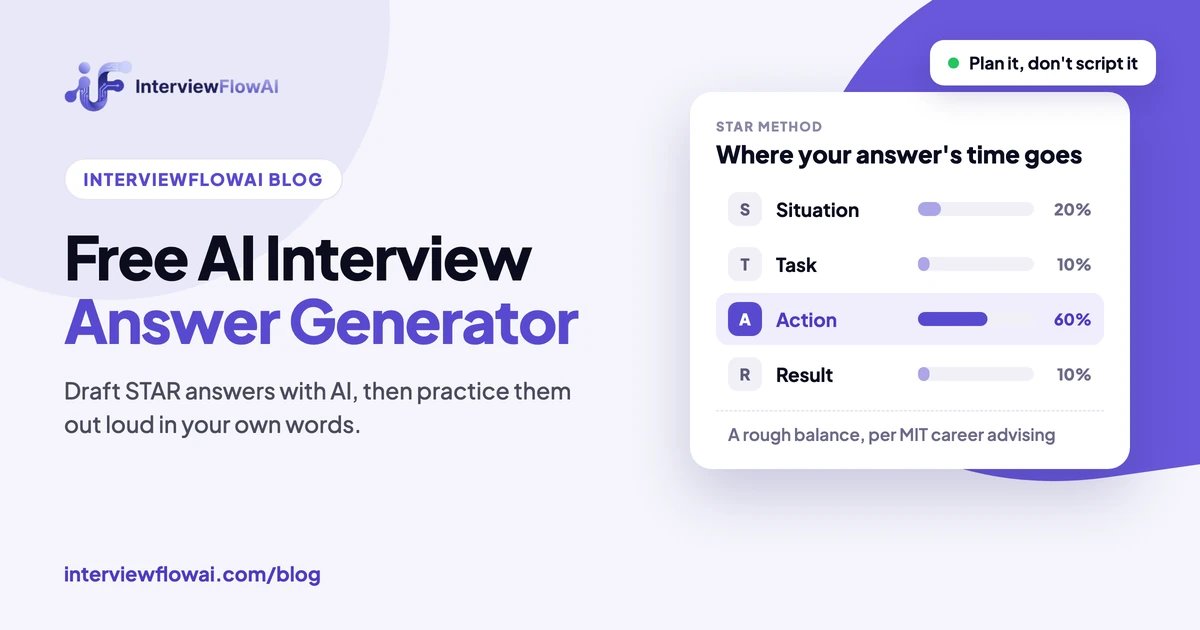
The STAR method (Situation, Task, Action, Result) gives evaluators exactly what they look for: context, your personal contribution, and an outcome. Choose stories that you can adapt to several questions, such as a difficult stakeholder, a mistake you fixed, a goal you exceeded, a process you improved, and a time you learned something quickly.
Compare a weak and a strong answer to "Tell me about a time you improved a process":
Weak: "I'm very process-oriented and always look for ways to be more efficient. In my last job, I improved a lot of our workflows using Agile best practices."
Strong: "Our support team was taking about two days to send refunds because every request needed manager approval (Situation). I was asked to cut that time without increasing fraud (Task). I analyzed three months of tickets, proposed auto-approval for refunds under $50, and wrote the escalation rules for anything larger (Action). Refund time dropped to under four hours, and the fraud rate didn't change over the next quarter (Result)."
The strong answer is not longer because of filler. It is longer because every sentence carries evidence. If you don't have an exact metric, give an honest estimate or a before-and-after comparison, and don't invent numbers. Follow-up questions are designed to test them.
If you get stuck turning your experience into STAR stories, our guide to using a free AI interview answer generator to draft STAR answers shows a prompt you can reuse and how to rewrite the draft in your own words.
4. Prepare for the follow-up questions
In a conversational AI interview, your first answer is often only the starting point. Expect the AI to ask: "What was your specific role?", "What would you do differently?", "What alternatives did you consider?", or "How did you measure that?" For each story, write down one trade-off, one obstacle, and one lesson. Candidates who memorize a script lose depth under follow-up, and that is exactly what both human and AI evaluators notice.
5. Practice out loud, preferably with AI
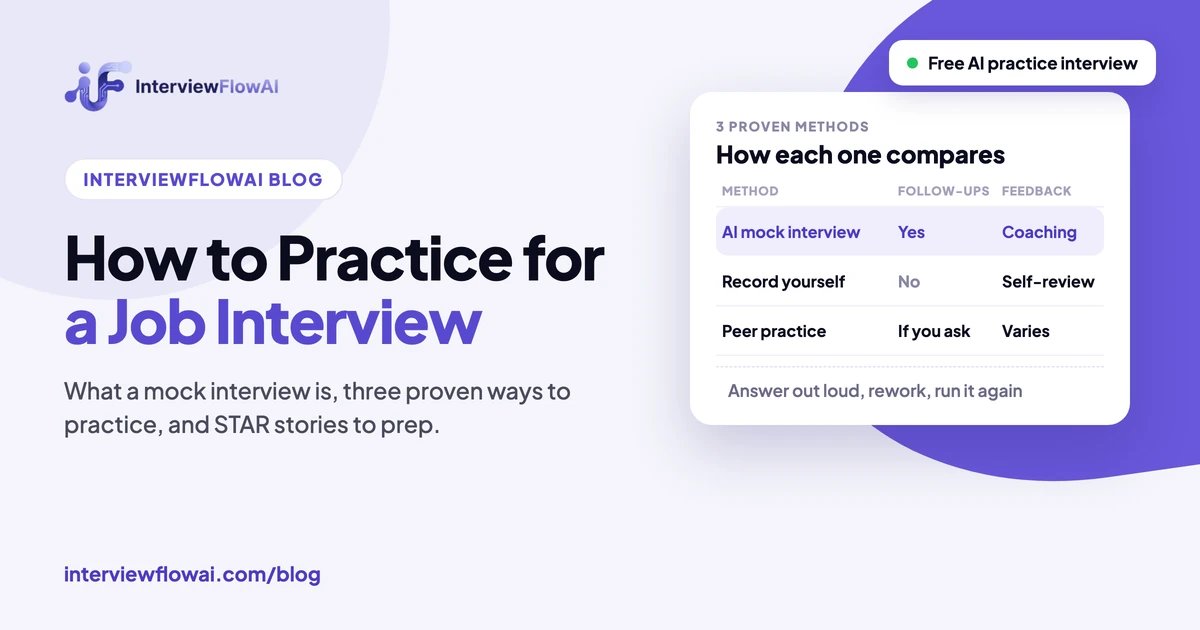
Reading your notes is not practice. Saying your answers out loud reveals rambling, missing results, and filler words in a way rereading never does. The closest rehearsal for an AI interview is an AI mock interview, because it copies the real rhythm: a question, your spoken answer, and a follow-up based on what you said. If you can't use one, record yourself answering three questions on your phone, or ask a friend to interrupt you with "Why?" and "Then what?"
Do at least two full runs. After each one, fix the weakest answer and repeat it. The AI prep tools section below covers which tool to use at each stage. For more methods, see how to practice for a job interview.
6. Set up your technology the day before
Technical problems cause more stress in AI interviews than difficult questions do, so test everything a day ahead and again 15 minutes before you start:
- Connection: use a stable connection, sit close to the router, or use a wired connection. Pause large downloads and video streaming.
- Audio: do a test recording. Wired earbuds with a microphone usually sound clearer than laptop microphones and reduce echo.
- Browser: use the browser the platform recommends, allow camera and microphone permissions, and close unrelated tabs and notifications.
- Camera (video only): place it at eye level with light in front of you so the recruiter reviewing your recording can see you clearly.
- Power and time: plug in your laptop and give yourself twice the expected duration with no interruptions.
7. During the interview: answer like it's a conversation
- Pause before you answer. Two or three seconds to organize your thoughts is normal and won't hurt you. In conversational formats, wait until the AI finishes speaking so it doesn't cut off your answer.
- Answer the question that was asked. Bringing up unrelated topics can send the follow-up questions in the wrong direction.
- Lead with the point. Start with a one-sentence answer, then give your STAR example.
- Ask for clarification. Most conversational AI interviewers can repeat or rephrase a question. Asking is better than guessing.
- Signal when you're done. End with a clear final sentence, such as "So the result was...", so the system knows your answer is complete.
- Be yourself. A few "ums" won't sink you. Unclear content will.
8. Don't use AI to answer for you during the interview
Using AI to prepare is normal and widely accepted. Having a tool generate answers in real time during the interview is a different matter. Most employers prohibit it, and platforms are built to detect it. InterviewFlowAI's Trust Score, for example, which employers on its Scale and Enterprise plans can turn on, checks for tab switches, signs of AI-assisted answers, and eye and face direction, and flags the interview for a recruiter to review. Generated answers also tend to fall apart under follow-up questions about your own experience. If notes are allowed, keep them to a few bullet points.
9. Follow up afterward
Hearing back after a first-round screen can take time, so a short email to the recruiter after the interview is worth sending. Thank them, briefly restate why you fit the role, and ask about the timeline. If you live in Illinois and the interview was recorded video analyzed by AI, you can also ask the employer to delete the recording (see below).
Preparing for a specific role? Browse AI interview guides by role, covering software engineers, product managers, sales representatives, call center agents, and more, with the competencies each interview usually assesses.
HireVue and one-way video interview tips
One-way video platforms such as HireVue have no interviewer to ask follow-ups, so the recording window is your whole answer. HireVue says its AI assessments analyze the transcript of your response against the competencies the employer selected. Many employers also have a recruiter watch the video. Prepare for both:
- Use the thinking time to plan, not to relax. When the question appears, jot three words: the situation, the action you took, and the result. Then start recording.
- Practice against a timer. If answers are capped at two or three minutes, rehearse your STAR stories until each fits in about 90 seconds. That leaves room to finish your result without being cut off.
- Learn the retake rules first. Some interviews allow one retake per question and others allow none. Find out before you begin, and don't spend a retake on a minor stumble.
- Start every answer with the point. A transcript-based evaluator and a busy recruiter both reward an answer that addresses the question in the first sentence.
- Present clearly for the human reviewer. Light in front of you, camera at eye level, and a quiet room. These don't change the AI score, but they shape the recruiter's impression.
- Use the practice question. Many one-way platforms offer a practice question before the scored ones. Use it to check your audio and the timer.
Conversational AI interviews remove much of the timer pressure because they work as a dialogue. See how the two formats compare.
AI tools for AI interview preparation
AI can make your preparation faster if you use it for the right stage. InterviewFlowAI's tools below are free, and each covers a different part of preparing:
| Prep stage | Free tool | How to use it |
|---|---|---|
| Match your experience to the role | AI Resume Grader | Paste your resume and the job description to see the match score and skills gaps, so you know which requirements your stories need to cover. |
| Structure your answers | AI Interview Answer Generator | Draft a STAR structure for a difficult question, then rewrite it with your own facts and words. |
| Rehearse the real format | AI Interview Practice | Take a mock interview built from your resume and target role, answer follow-ups out loud, and review the coaching feedback. |
| Research the company | Any general AI assistant | Summarize the company's products, recent news, and the team's likely priorities, and check every fact against the source. |
Where to draw the line: tools that listen to the interview and feed you answers in real time are different from prep tools. Most employers prohibit them, and they tend to be exposed by follow-up questions (see step 8). Use AI to get ready, then answer on your own.
Questions an AI interviewer will ask you, and what they test
AI interviewers draw from the same structured question types as human recruiters. Here is what each type is designed to show:
| Question type | Example | What a strong answer includes |
|---|---|---|
| Introduction | "Walk me through your background." | A 60–90 second summary that connects your experience to this role, not your life story. |
| Behavioral | "Tell me about a time you disagreed with a manager." | A real situation, your specific actions, and a professional outcome (STAR). |
| Situational | "A customer threatens to cancel. What do you do?" | Your step-by-step reasoning, priorities, and how you would know it worked. |
| Technical or role knowledge | "How would you troubleshoot a slow database query?" | Correct concepts, a logical sequence, and trade-offs you have actually dealt with. |
| Resume deep-dive | "You led a migration at your last company. What was the hardest part?" | Details that confirm the claim on your resume, including what went wrong. |
| Motivation and logistics | "Why this role? When could you start?" | Specific reasons tied to the company or role, and direct, honest answers. |
Your rights in an AI interview
Candidate protections vary by location, but they are expanding. Here are the main rules in effect as of November 2026 (this is general information, not legal advice):
- Illinois: under the Artificial Intelligence Video Interview Act (in force since 2020), employers that use AI to analyze video interviews must notify you, explain how the AI works and what it evaluates, and obtain your consent. If you ask, they must delete your video within 30 days. Since January 1, 2026, HB 3773 also requires employers to give notice when AI is used in hiring decisions and prohibits discriminatory use.
- New York City: Local Law 144 requires employers using automated employment decision tools to have a bias audit, give NYC-resident candidates at least 10 business days' notice, state the qualifications being assessed, and explain how to request an accommodation.
- California: since October 1, 2025, Civil Rights Council regulations make clear that automated decision systems may not discriminate based on protected characteristics. They also treat AI assessments that elicit disability information as potentially unlawful medical inquiries.
- Colorado (from 2027): SB 26-189, signed in May 2026, replaced the earlier Colorado AI Act. From January 1, 2027, subject to the attorney general's rulemaking and a pending court challenge, employers must give notice when covered AI is used and, after an adverse decision, a plain-language explanation within 30 days, with the right to correct your data and request human review.
- European Union: AI systems that infer emotions in the workplace, which covers hiring, are banned. AI used in recruitment is classified as high-risk under the AI Act, and those obligations apply from 2 December 2027 after the 2026 Digital Omnibus amendment.
- Accommodations everywhere in the US: disability law still applies when the interviewer is AI. If a speech difference, hearing impairment, anxiety disorder, or another condition affects a timed or voice-based format, you can ask for extra time, a different format, or a human interviewer.
How to ask for an accommodation: "I've been invited to complete an AI interview for the [role] position. Because of [a disability / a hearing impairment / a speech difference], I'd like to request [extra response time / a text-based option / an interview with a team member]. Please let me know what's possible."
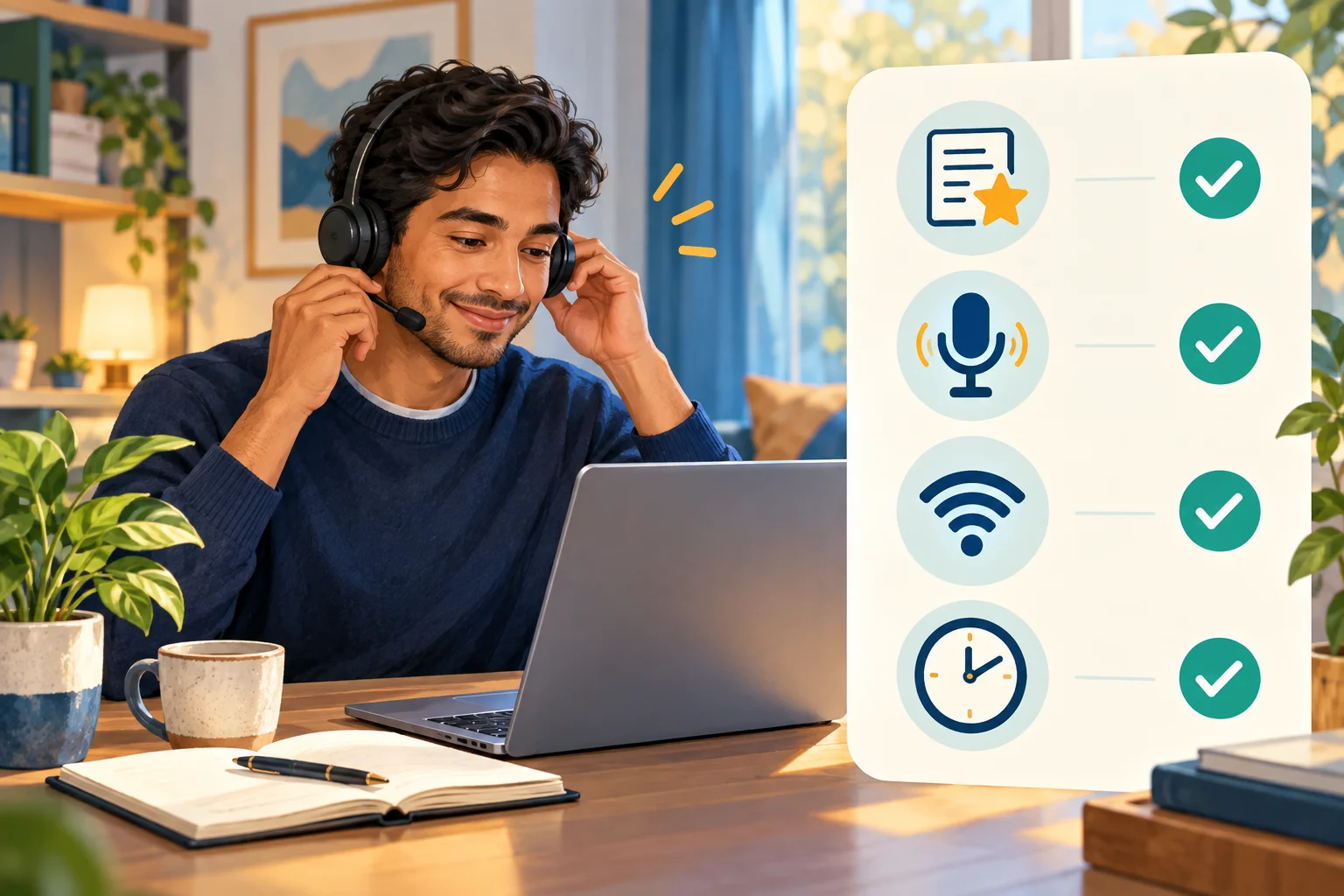
AI interview checklist
The week before
- Confirm the format, length, deadline, and retake rules from the invitation.
- Map the job description to 5–7 competencies.
- Write 5–6 STAR stories with honest, specific results.
- Note one trade-off, obstacle, and lesson for each story.
- Complete at least two out-loud practice runs, at least one with an AI mock interview.
The day before
- Test your microphone, camera, browser permissions, and connection on the actual platform if it offers a practice question.
- Choose a quiet room and tell anyone you live with when you'll be busy.
- Request any accommodation now, not five minutes before.
15 minutes before
- Close other tabs, apps, and notifications. Plug in your laptop.
- Keep water nearby and a few bullet-point notes if notes are allowed.
- Take a breath. You're telling true stories you already know.
Rehearse your AI interview before it counts
Practice with a real AI interviewer that asks questions based on your resume and target role, follows up on your answers, and gives you coaching feedback. Free for job seekers.
Hiring instead of interviewing? Everything candidates worry about above, including disclosure, follow-up questions, accommodations, and human review, is part of designing an AI interview well. See what to automate in candidate screening and what to keep human, or how InterviewFlowAI runs conversational AI interviews (rated 4.8/5 on average by candidates who completed one and left a rating).
Frequently asked questions
How do I prepare for an AI interview?
Find out the interview format first. Then map the job description to the key competencies, prepare 5–6 STAR stories with specific results, and practice answering out loud, including follow-up questions. Test your microphone, browser, and internet connection the day before. During the interview, answer each question directly and lead with your main point.
How do you pass an AI interview?
Answer the question that was asked, lead with your main point, and back it up with a specific STAR example that ends in a measurable result. Prepare for follow-up questions about your role and trade-offs, practice out loud at least twice, and make sure your audio and connection work. Most AI interviewers score the content of your answers, so substance matters more than polish.
What are the best AI tools to prepare for an interview?
Use different tools for different stages: a resume grader to match your experience to the job, an answer generator to structure difficult answers, and an AI mock interviewer to rehearse out loud with follow-up questions. InterviewFlowAI's AI interview practice, answer generator, and resume grader are all free.
Do AI interviews analyze facial expressions?
Most current platforms do not. HireVue removed facial analysis from its assessments in 2021 and says it analyzes transcripts of what candidates say. The EU banned workplace emotion recognition in February 2025. Practices still vary by vendor, so if it matters to you, ask the employer what the AI evaluates. In Illinois, employers that use AI to analyze video interviews are required to tell you.
Is a human involved in AI interview decisions?
Usually, yes. Most AI interview platforms produce a transcript and scorecard, and a recruiter or hiring manager decides who moves forward. You can ask the recruiter how the AI results are reviewed.
How long does an AI interview take?
It depends on the employer and the format, so check your invitation. Completed first-round interviews on InterviewFlowAI average about 13 minutes. One-way video interviews usually have a fixed number of questions with a set recording time for each.
Can I use notes during an AI interview?
It depends on the employer's rules, so check your invitation. If notes are allowed, keep them to short bullet points. Reading scripted or AI-generated answers usually sounds unnatural and falls apart under follow-up questions. Some platforms also flag tab switches and pasted text.
What if I have technical problems during the interview?
Take a screenshot or note the time, then email the recruiter right away with a short description of what happened. Employers can often reset or reschedule an interview that was interrupted by a technical problem. On InterviewFlowAI, for example, you have 5 minutes to reconnect and resume if your connection drops.
Can I ask for a human interviewer instead?
You can always ask, and if you have a disability that the format disadvantages, you can request it as a reasonable accommodation. Ask the recruiter what alternatives they offer.
How can I practice for an AI interview for free?
InterviewFlowAI's AI interview practice is free for job seekers. You add your resume and target role, answer questions out loud, receive follow-up questions, and get written coaching feedback at the end.
Sources
- Greenhouse, "63% of Job Seekers Have Faced an AI Interview", May 2026 (2,950 candidates in the US, UK, Ireland, Germany, and Australia; cited figures are for the 1,200 US respondents), checked 7 November 2026.
- AI Incident Database, "Job Screening Service Halts Facial Analysis of Applicants" (HireVue, January 2021), checked 7 November 2026.
- HireVue, AI in Hiring, checked 7 November 2026.
- Future of Privacy Forum, "Unpacking the prohibition of emotion recognition in the workplace" (EU AI Act, Article 5), checked 7 November 2026.
- Holistic AI, Illinois Artificial Intelligence Video Interview Act, checked 7 November 2026.
- Ogletree, Illinois HB 3773 key takeaways, checked 7 November 2026.
- Paul Hastings, California automated-decision system regulations, checked 7 November 2026.
- NYC Department of Consumer and Worker Protection, Automated Employment Decision Tools: Frequently Asked Questions, checked 7 November 2026.
- Colorado Attorney General, Automated Decision-Making Technology Law rulemaking, checked 7 November 2026.
- European Commission AI Act Service Desk, Timeline for the Implementation of the EU AI Act, checked 7 November 2026.
- InterviewFlowAI Docs, What the Candidate sees and Enable proctoring, checked 7 November 2026.
- InterviewFlowAI, AI Recruitment Statistics 2026 (platform benchmark, May 2025–July 2026), checked 7 November 2026.
Mukul Munjal
Founder & CEO, InterviewFlowAI
I'm Mukul Munjal, founder and CEO of InterviewFlowAI. I have 7 years of experience in engineering, 3 of them building voice agents, and I lead the team that builds our AI interviewer. Before publishing, I check competitor prices and features against each vendor's own pages.