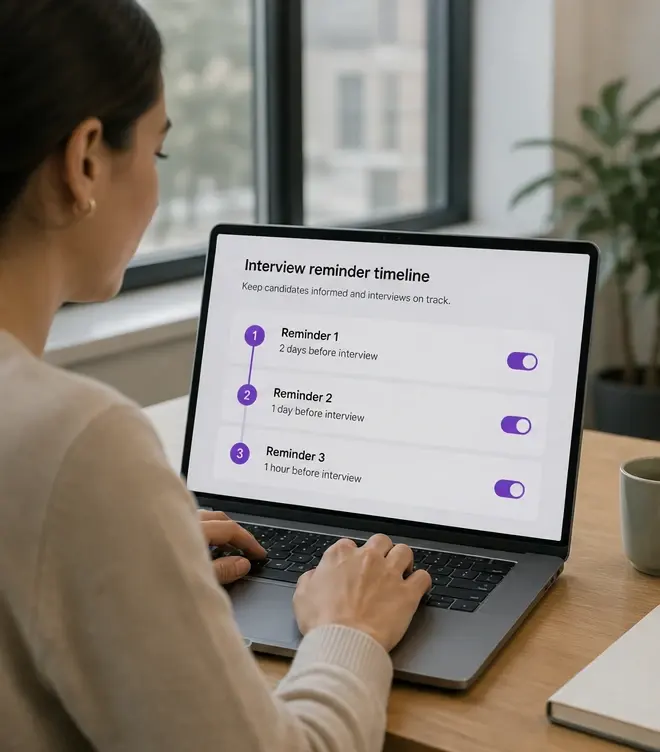
Automated Interview Reminders — Reduce No-Shows & Increase Completion Rates, explained.
Automated Email Reminders are the completion-rate engine for your AI interview campaigns. After candidates receive interview invitations, the platform sends scheduled reminder emails to those who haven't yet completed their interview — no manual follow-up required. Reminder timing, frequency, and messaging are configurable by role or campaign. The result: higher interview completion rates, fewer candidates lost to inbox oblivion, and recruiters who spend their time reviewing completed interviews instead of sending 'just checking in' emails. For high-volume campaigns, automated reminders are often the difference between a 40% completion rate and an 80%+ completion rate.
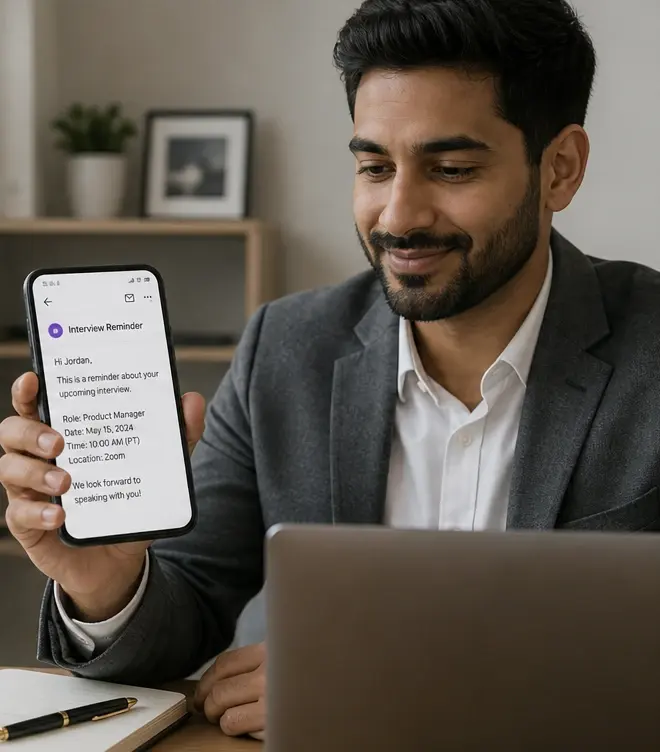
Schedule automated reminders at configurable intervals
Automated Email Reminders are the completion-rate engine for your AI interview campaigns. After candidates receive interview invitations, the platform sends scheduled reminder emails to those who haven't yet completed their interview — no manual follow-up required. Reminder timing, frequency, and messaging are configurable by role or campaign. The result: higher interview completion rates, fewer candidates lost to inbox oblivion, and recruiters who spend their time reviewing completed interviews instead of sending 'just checking in' emails. For high-volume campaigns, automated reminders are often the difference between a 40% completion rate and an 80%+ completion rate.
- Track reminder performance: open rates, click-through, and conversion to completion
Branded, personalized reminder emails — not generic system notifications
Stop manually chasing candidates who haven't completed their interviews. Automated email reminders send scheduled, branded nudges that keep candidates moving — improving completion rates without adding recruiter follow-up work.
- Eliminate manual recruiter follow-up for incomplete interviews
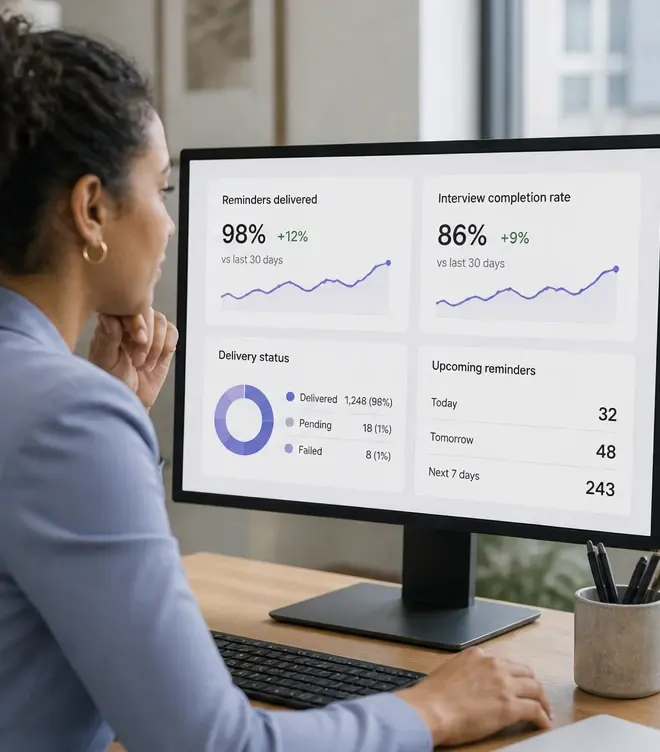
The best interview is worthless if the candidate never completes it
Interview completion is the silent conversion metric of candidate screening. You can have the perfect interview design, the right questions, and a great candidate experience — but if candidates don't actually complete the interview, none of it matters. Inbox overload, busy schedules, forgetfulness, and competing priorities mean even interested candidates often need a nudge. Without automated reminders, those nudges fall on recruiters — and at volume, recruiters simply can't keep up.
Automated Email Reminders solve this by systemizing candidate follow-up. Set the reminder schedule once: first reminder after 24 hours, second after 48, final nudge before the interview window closes. The platform handles the rest. Candidates get timely, branded reminders that feel personal. Recruiters get higher completion rates without sending a single follow-up email. Everyone wins.
How automated reminders improve your screening funnel
Configurable reminder schedules
Set the number, timing, and frequency of reminders per role or campaign. Common patterns: 24h, 48h, and 72h nudges with a final deadline reminder.
Branded, personalized messaging
Reminders use your company branding and include the candidate's name, role, and a direct link to resume the interview — not generic 'you have a pending task' emails.
Smart suppression logic
Reminders stop automatically when candidates complete their interview. No 'thanks for completing!' followed by 'reminder: you haven't completed!' embarrassment.
Performance tracking
See which reminder cadences drive the highest completion rates. Test timing and messaging to optimize your funnel over time.
When automated reminders make the biggest impact
Automated reminders provide value in any screening workflow, but they're especially impactful in scenarios where candidates are likely to deprioritize or forget about their interview.
- High-volume campaigns: when you're screening 100+ candidates, manual follow-up is mathematically impossible. Reminders keep the funnel moving.
- Passive candidates: sourced and outbound candidates who expressed interest but aren't actively job-seeking need more nudges than active applicants.
- Long interview windows: when candidates have 5-7 days to complete an interview, reminders prevent last-weekend cramming or missed deadlines.
- Seasonal hiring: tight timelines mean every incomplete interview is a potential missed hire. Reminders compress the completion window.
- Agency workflows: when candidates are sourced by one team and screened by another, reminders bridge the handoff gap.
Automated reminders vs. manual recruiter follow-up
| Aspect | Manual follow-up | Automated Email Reminders |
|---|---|---|
| Time per candidate | 2-5 minutes to check status, draft email, send. Multiply by 50-200 candidates. | Zero recruiter time after initial setup. Platform handles every reminder automatically. |
| Consistency | Depends on recruiter bandwidth. Some candidates get 3 reminders, some get none. | Every candidate gets the same reminder sequence. No one falls through the cracks. |
| Timing precision | Recruiters send reminders when they remember. Inconsistent timing. | Reminders fire at precise intervals. 24h, 48h, 72h — exactly as configured. |
| Scalability | Fails at volume. 200 candidates = hundreds of follow-up tasks across days. | Scales infinitely. Same setup whether you have 10 candidates or 1,000. |
Recommended reminder workflow
Set your reminder cadence by campaign type
For time-sensitive roles, use tighter intervals (12h, 24h, 48h). For longer windows, space reminders further apart (24h, 72h, 5d).
Customize reminder messaging for your brand and audience
Write reminder copy that matches your brand voice. Include role context, time remaining, and a clear call-to-action to complete the interview.
Launch the campaign and let reminders run
Candidates receive reminders automatically. Recruiters monitor completion rates from the dashboard — no manual follow-up needed.
Review reminder performance and optimize
Track open rates, click-through, and conversion to completion. Adjust timing and messaging based on what drives the best results.
How this was verified
Feature capabilities described here were verified against the live InterviewFlowAI product pages and the published pricing page in August 2026. Plan availability can change; the pricing page is the source of truth.
Frequently asked questions
How many reminders should I send?
The page describes cadences such as 24, 48 and 72 hours. More is not automatically better — past a point reminders read as pressure and damage the candidate experience you are trying to protect.
Do reminders stop once someone completes?
Yes. Suppression logic ends the sequence on completion, so nobody is chased for something they have already done.
How much do reminders improve completion?
The page cites a move from roughly 40% to over 80% completion with reminders in place. Treat that as the vendor's own figure and measure your own baseline before and after.
Can reminders be branded?
Yes. They use the same branded templates as your other candidate communication, including sender identity and styling.
What else affects completion rates?
Interview length, format and clarity of instructions usually matter more than reminder cadence. A phone or audio format typically completes better than video for hourly roles.
Make your next hiring flow faster.
See how InterviewFlowAI can streamline screening for your team.