Recruiting automation software should remove work, not add another dashboard. Start with a measurable bottleneck such as screening, scheduling, follow-ups, or data handoffs. Greenhouse customer data shows applications per job rose 239%, from 28 in 2021 to 95 in 2025. InterviewFlowAI's 2026 benchmark, based on 100,000+ AI interviews across 100+ businesses, shows where that pressure often lands: the first candidate screening. Automate it when questions repeat at volume. Keep it human when the conversation depends on trust and relationship building.
Which recruiting automation software should you buy first?
Buy the layer that removes the largest block of repeated work from your current process. Ignore platform lists until you can name that bottleneck, measure its cost, and define the output the next person needs.
| Where time is being lost | Software layer to evaluate first | Representative examples | Output to require |
|---|---|---|---|
| Candidate records and stages are scattered | Applicant tracking system | Greenhouse, Ashby | One reliable record, clear stages, and complete history |
| Recruiters rebuild prospect lists repeatedly | Sourcing platform or recruitment CRM | Gem, SeekOut | Searchable prospects and outreach-ready profiles |
| Calendar coordination consumes hours | Scheduling automation | Calendly or ATS scheduling | Confirmed event, identity, time zone, and cancellation status |
| Recruiters repeat the same first-round call | Screening and interview automation | InterviewFlowAI | Recording, transcript, answers, scorecard, and review status |
| Data must move between several systems | Workflow orchestration | Zapier, Workato | Logged action, failure alert, retry path, and field ownership |
| Teams cannot see where candidates stall | Recruitment analytics | ATS analytics or a BI tool | Stage conversion, time in stage, completion, quality, and cost |
For many teams, the ATS comes first because it owns the candidate record. If the ATS is already working, add automation around the slowest stage. High-volume teams often find that stage is first-round screening. Agencies may feel the pain first in sourcing, outreach, or candidate follow-up.
Use a simple priority score before speaking with vendors:
Priority = monthly volume x minutes per task x process stability
Frequent work with stable rules should score highest. Scheduling confirmations, reminders, data transfers, structured qualification, and repeated first-round questions are common starting points. Keep relationship-led, ambiguous, or consequential decisions under human control.
There is no universal "best recruiting automation software." The best option is the one that removes measurable work without creating more review or maintenance.
How is recruiting automation software different from an ATS?
An applicant tracking system is usually the system of record for candidates. It stores candidate profiles, applications, stages, notes, interview plans, and decisions. Recruiting automation software performs or coordinates work around that record.
| Capability | ATS | Recruiting automation layer |
|---|---|---|
| Main role | Own the hiring process and candidate record | Perform repeated work inside or across stages |
| Typical tasks | Stages, approvals, interview plans, notes, reporting | Messages, scheduling, screening, routing, summaries, and alerts |
| Trigger | Recruiter action or stage change | Event, rule, schedule, status, or data condition |
| Output | Updated candidate record | Completed action plus evidence returned to the ATS |
Use built-in ATS automation for simple work that already lives in the ATS, such as sending a message after a stage change or reminding an interviewer to submit feedback.
Use a specialist tool when the task requires more depth. That may include talent rediscovery, multichannel outreach, technical assessment, or a two-way AI interview. The specialist tool should return a useful status or artifact to the ATS. If recruiters must copy results between tabs, the workflow is incomplete.
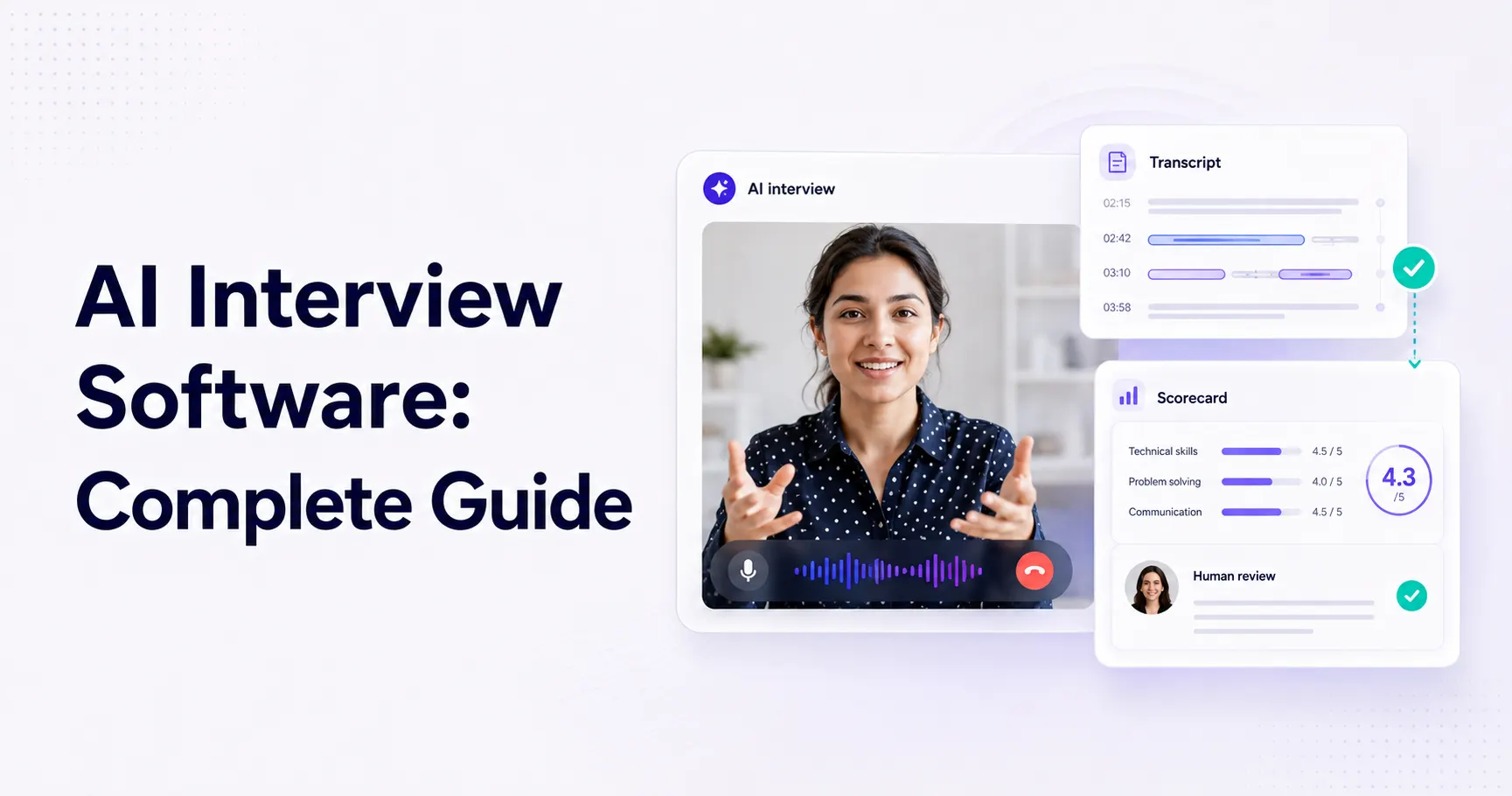
InterviewFlowAI is a screening and interview automation layer. It conducts structured phone or video interviews and gives the recruiter a recording, transcript, question-level responses, and scorecard. The ATS can remain the candidate record, while the recruiter owns the progression decision.
All-in-one or specialist software?
Choose an all-in-one platform when records are fragmented, ATS adoption is weak, and standard built-in features are enough. Add a specialist layer when the ATS works, but one stage needs deeper automation.
Before buying either, run one candidate through the complete process. Watch where the recruiter leaves the ATS, copies information, checks status, or waits for another person. Those steps expose the real implementation cost.
For deeper screening research, use the AI candidate screening guide and AI interview software buyer's guide.
How do you build a recruiting automation workflow that does not create more work?
Every workflow needs a trigger, rule, action, owner, output, human checkpoint, and exception route. If one is missing, recruiters usually end up checking the automation manually.
Consider a team trying to reduce repeated first-round calls:
A candidate passes the application or resume-screening stage in the ATS.
The ATS moves the candidate into an AI interview stage.
The candidate receives an invitation and automated reminders.
The candidate completes a structured AI phone interview or video interview on their own schedule.
InterviewFlowAI creates a recording, transcript, question-level responses, and role-specific scorecard that can support candidate ranking.
The recruiter reviews the evidence and decides whether the candidate moves forward.
Incomplete interviews, technical problems, accommodation requests, and uncertain results enter a human review queue.
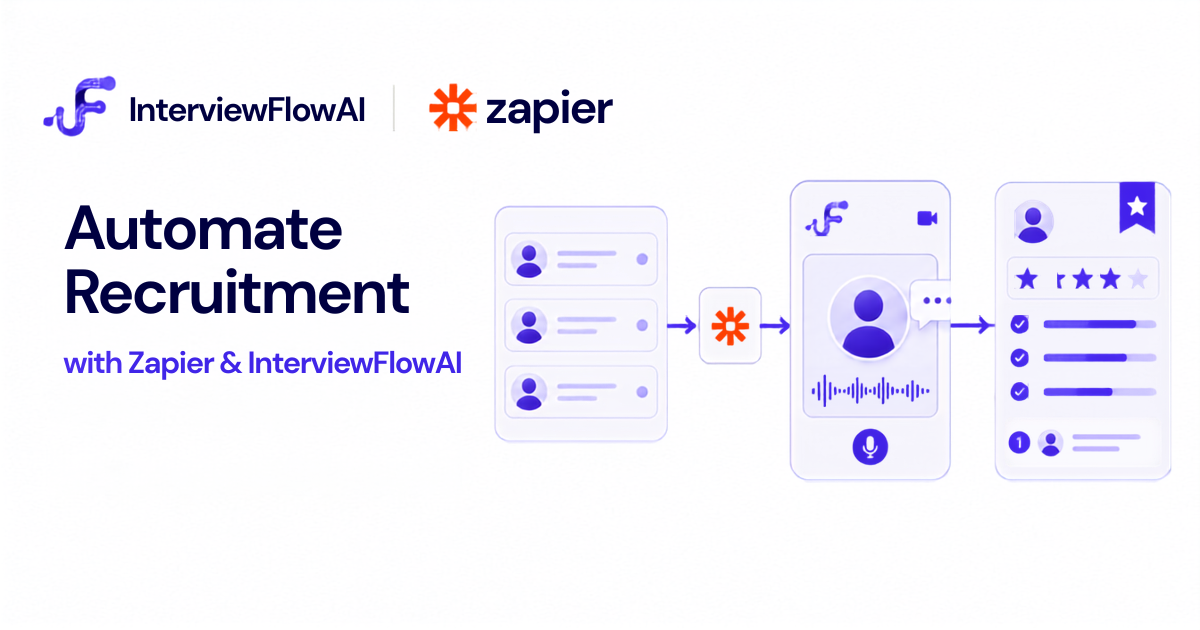
The InterviewFlowAI Greenhouse integration follows this pattern. Recruiters can add InterviewFlowAI as an interview stage, send the interview from Greenhouse, monitor its status, and open the completed evidence from the Interview Kit.
This removes repeated calendar work while keeping the recruiter at the decision point. It also prevents a common automation failure: creating a pile of transcripts that nobody can prioritize or inspect quickly.
How much does recruiting automation cost, and how do you calculate ROI?
Recruiting automation may be priced per recruiter, employee, active job, candidate, interview, or platform. Enterprise contracts may add implementation, support, and minimum commitments.
Compare total cost, not only the advertised subscription:
configuration and integration time;
recruiter and hiring manager training;
workflow monitoring and error handling;
support or professional services;
unused seats, credits, or minimum commitments;
duplicate tools kept during the transition.
InterviewFlowAI uses capacity-based plans for AI interviews. The pricing page separates a focused pilot from higher-volume plans and an enterprise option with ATS integrations and tailored onboarding. Use the AI interview pricing comparison to normalize different pricing models inside the screening category.
Calculate work removed, then subtract the work and cost the automation adds:
Gross hours removed = automated task volume x previous manual minutes / 60
Net hours saved = gross hours removed - review time - exception time - maintenance time
Net annual value = net hours saved x loaded hourly cost - annual software and implementation cost
Suppose a role produces 70 interview invitations and 49 to 60 candidates complete the interview. At an average of 13 minutes per completed interview, those conversations represent roughly 10.5 to 13 candidate interview hours.
That is not automatically 10.5 to 13 recruiter hours saved. Recruiters still review evidence, handle exceptions, and speak with shortlisted candidates. Measure whether the new review workflow takes less time while preserving decision quality.
InterviewFlowAI recorded 53,509 minutes of AI-led first-round interviewing during seven days from July 30 to August 5, 2026. That equals about 891.8 candidate interview hours. Treat this as workload represented by the platform, not a blanket labor-savings claim.
Track time and quality together:
recruiter minutes per completed screen;
time from application to first-screen completion;
completion and dropout rates;
recruiter overrides and reasons;
hiring manager acceptance of the shortlist;
later-stage pass rate;
candidate feedback and accommodation requests.
SHRM's 2025 Talent Trends research found that among organizations using AI in recruiting, 89% reported time savings or greater efficiency and 36% reported lower recruiting or hiring costs. Those are reported survey outcomes, not a promise for an individual implementation. Your pilot still needs a baseline. The time-to-hire calculator can help establish the broader cycle before you isolate the stage affected by automation.
Will recruiting automation hurt candidate experience?
It can. Candidates tend to object when automation is unexplained, one-sided, inaccessible, or treated as the final judge. They are more likely to accept it when the purpose is clear, the process respects their time, and a person remains accountable.
Use these controls:
Tell candidates that automation or AI is being used before they begin.
Explain the process, the data collected, and who reviews the result.
Offer an accommodation and a realistic alternative route.
Keep the screen relevant to the role and appropriate for the hiring stage.
Give candidates a way to ask questions or reach a person.
Test the workflow on mobile devices, slower connections, and different time zones.
Track completion, dropout, support requests, and candidate feedback by role.
InterviewFlowAI uses two-way conversational phone and video interviews rather than only playing fixed prompts and recording answers. The system can ask role-specific follow-ups, while candidates complete the conversation on their own schedule. This works when a team needs more evidence than a form can collect but cannot schedule a live call with every applicant.
It is a poor fit when the first conversation is meant to build a relationship, as in executive or passive-candidate recruiting.
What should remain human-controlled?
Keep people responsible for final progression and rejection decisions, accommodations, executive engagement, and ambiguous cases. AI can draft summaries, suggest scores, or organize evidence, but recruiters should be able to inspect the source, override the recommendation, and document why.
The US Equal Employment Opportunity Commission states that employment and disability protections still apply when employers use automated hiring systems. Rules vary by location, so obtain legal advice for the roles and jurisdictions involved. The NIST AI Risk Management Framework also provides a voluntary structure for documenting ownership, testing, monitoring, and review.
InterviewFlowAI's operating principle is simple: AI handles repetitive screening. Recruiters keep the judgment.
What integrations and controls should recruiting automation software provide?
An integration is complete only when statuses and evidence reach the right system, failures are visible, and a person knows what to do next.
Ask vendors to demonstrate:
| Requirement | What to verify |
|---|---|
| Trigger | The exact ATS event or field that starts the workflow |
| Data ownership | Which system owns each candidate field |
| Status sync | Invited, started, completed, failed, and withdrawn states |
| Evidence access | How reviewers reach the recording, transcript, scorecard, or assessment |
| Identity | Unique links and access controls |
| Failure handling | Alerts, logs, ownership, and safe retry behavior |
| Permissions and retention | Who can view, export, edit, or delete data |
| Auditability | Inputs, outputs, overrides, reviewers, and timestamps |
Do not accept "we integrate with your ATS" as a complete answer. Ask the vendor to show the trigger, field mapping, status update, reviewer path, and failure message.
InterviewFlowAI supports ATS connections, APIs, webhooks, Zapier, and imports or exports depending on the plan. Review the Greenhouse documentation or Teamtailor documentation against your intended workflow.
Which recruitment automation software is best for enterprise teams?
The best enterprise recruitment automation software is the platform that solves the target workflow while meeting the organization's integration, security, governance, accessibility, support, and procurement requirements. Feature count alone is a weak buying criterion.
Request evidence for:
ATS and HRIS integration;
single sign-on, roles, and admin controls;
security documentation, subprocessors, and incident handling;
data location, retention, and deletion;
human checkpoints, overrides, and audit trails;
accessibility and candidate alternatives;
service terms, failure handling, and escalation;
implementation, training, and total cost.
Pilot one stable, high-volume workflow before expanding across job families or regions. If the vendor cannot explain how a failed automation appears to a recruiter, the workflow is not ready for scale.
InterviewFlowAI's enterprise plan is intended for teams that need ATS integrations, tailored onboarding, procurement support, and custom service terms. The demo should use your real ATS stages and an anonymized version of a live role, not a generic product script.
How do you run a 30-day recruiting automation pilot?
Choose one role with enough volume to expose problems quickly and criteria stable enough to evaluate consistently.
Days 1 to 5: establish the baseline
Map the process from application to the next live interview. Record candidate volume, recruiter minutes, completion, no-shows, time in stage, software cost, and the evidence required to advance someone.
Days 6 to 10: configure one workflow
Define the trigger, eligibility rule, questions, scoring criteria, messages, human checkpoint, and exception owner. Test completed, failed, incomplete, and accommodation paths.
Days 11 to 25: run the pilot
Use a meaningful candidate sample. Record recruiter review time and every manual workaround. Sample low-scoring and uncertain cases, track candidate dropout, and log each recruiter override with a reason.
Days 26 to 30: make the decision
Compare the pilot with the baseline:
| Measure | What success looks like |
|---|---|
| Recruiter minutes per completed screen | Falls after review and exception time are included |
| Application-to-screen time | Falls without increasing candidate complaints |
| Candidate completion | Meets the threshold set before launch |
| Override rate | Reviewed for patterns rather than pushed toward zero |
| Hiring manager acceptance | Shortlist remains useful at the next stage |
| Workflow failures | No silent failures |
| Cost per completed screen | Stays below the agreed value threshold |
Expand only if the workflow removes measurable work, preserves decision quality, and keeps failures visible. If it saves interview time but doubles review work, fix the output before adding more candidates.
See how the workflow changes for high-volume hiring and recruitment agencies.
Frequently asked questions
Can recruiting automation work without an ATS?
Yes, for a contained workflow. A small team can use a structured form or spreadsheet, scheduling software, and a specialist screening tool. As volume grows, ownership, status history, permissions, and reporting become harder to manage without an ATS.
How long does recruiting automation take to implement?
A narrow workflow can be piloted in days if the role, trigger, criteria, and output are defined. An enterprise rollout may take weeks or months because of data mapping, security review, procurement, and change management.
Will recruiting automation replace recruiters?
It can replace repeated tasks, not the recruiting job. Recruiters still define requirements, resolve uncertainty, advise hiring managers, build relationships, provide accommodations, and remain accountable for hiring decisions.